Tools
Three small tools that answer the questions a gallery cannot.
Everything runs in your browser - nothing is sent anywhere.
Find the right placement
Compare body areas by size, visibility at work and how the area is usually described.
Open placement picker
Selected placement
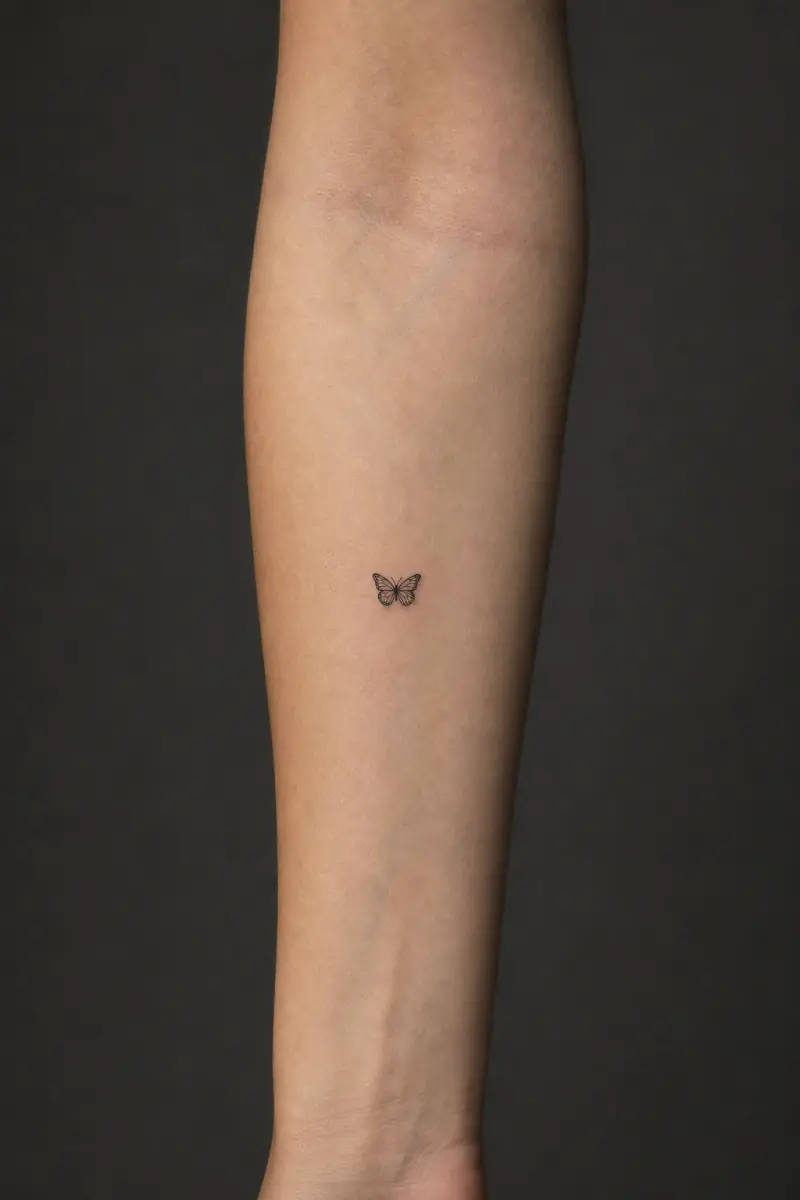
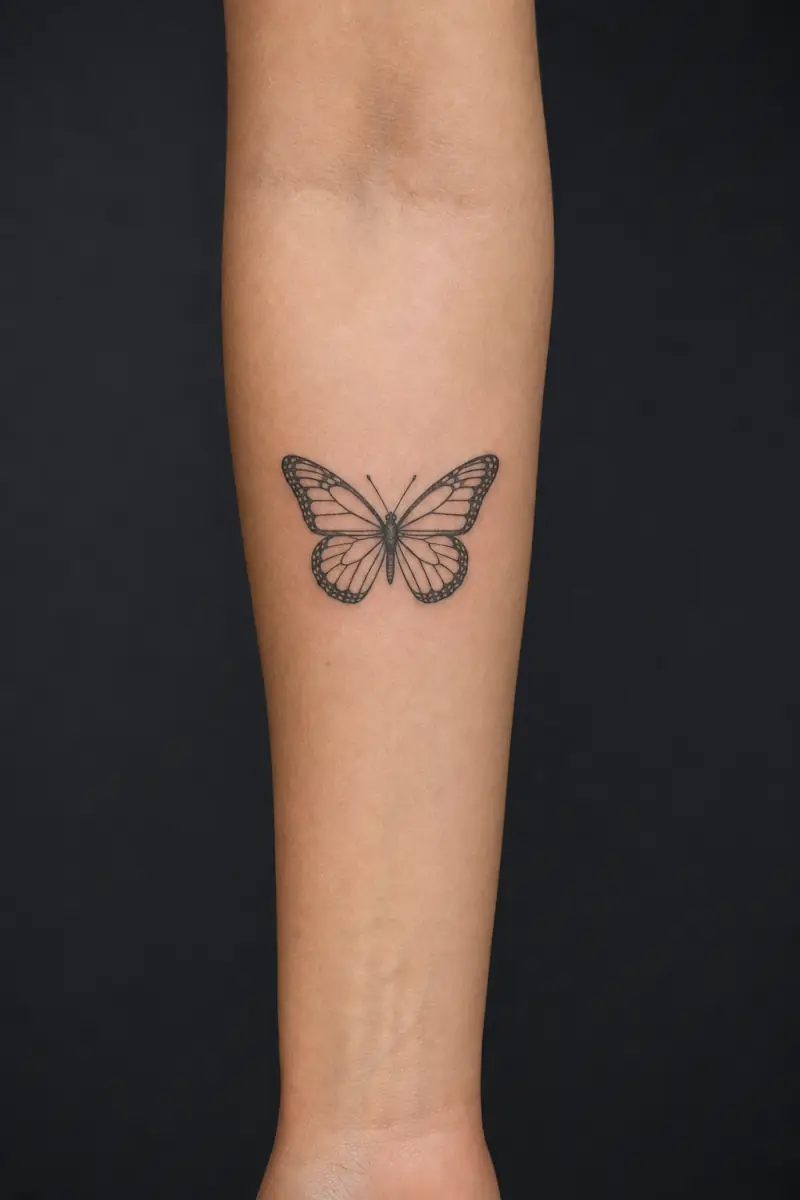
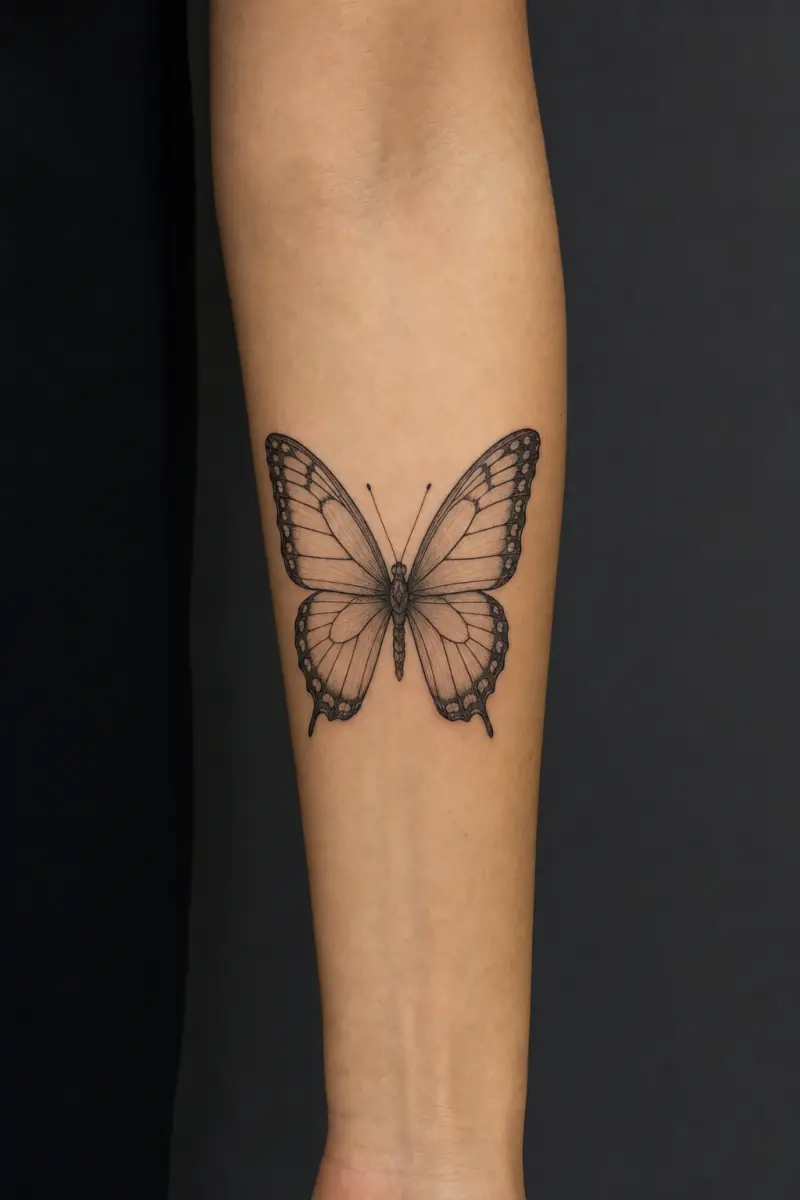
See how tattoo sizes look
Compare sizes on a real forearm so you can choose with confidence.
Open size guide- 1 in
- 2 in
- 4 in


Tattoo try-on
Place a design on skin, set the size in inches, copy the brief.
30-second tattoo quiz
Answer a few questions about placement, size and style, get a shortlist you can save.
Use the tools in this order
Start with placement if you already know the amount of visibility and coverage you want. The picker groups body areas by usable shape rather than presenting every tattoo as if it could be moved anywhere unchanged. A long forearm design, a shoulder cap and a small wrist symbol need different compositions.
Open the size guide next and compare the reference images at a normal viewing distance. Three centimetres can hold a simple symbol, but not the same internal detail as a ten centimetre design. Use the measurement as a starting point for your artist, not as a fixed specification.
What the quiz does
The quiz is useful when you have not chosen a direction. It links each answer to a real placement, size or style page, so the result remains useful without an account. Save several references and note why each one works. The final shortlist should explain shape, scale and treatment rather than ask an artist to copy one image.
Your saved list remains on the device you are using. Export or copy the final description before changing browsers or clearing site data. The tools do not submit a booking request and they do not send your choices to a studio.